
Turn your PDF into a clean "scan copy"
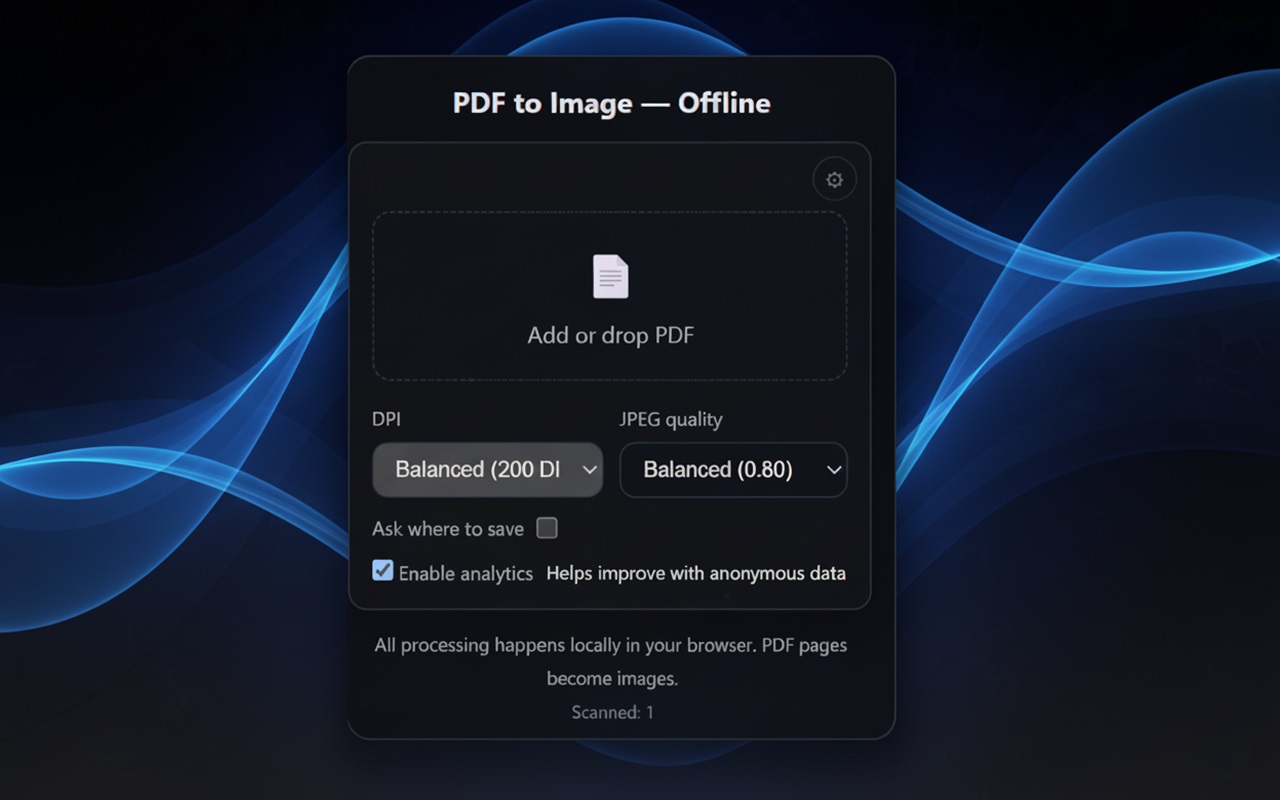
Each page is rendered to an image and compiled back into a new PDF. Fully offline — your files never leave the browser.
- Quality range: 110–300 DPI
- JPEG quality: 0.5–0.9
- Subtle scan effect for readability
- Works fully offline
Fully offline
Conversion and processing happen in your browser. No servers, no uploads.
Flexible quality
Pick DPI and JPEG level to balance size and clarity.
Scan‑like look
Soft blur, vignette and grain create a pleasant scanned feel.
Fast & simple
Drop a PDF, click “Convert & Download” — done.
Privacy‑first
No personal data. Optional anonymized analytics.
Large docs friendly
Handles big PDFs and preserves original page proportions.
How it works
- Add a PDF or drag & drop it to the extension.
- Choose DPI and JPEG quality.
- Click “Convert & Download” to get a new PDF built from images.
FAQ
Does it upload my files?
No. Conversion runs locally in your browser. No servers involved.
Does it work offline?
Yes. After installation, the extension works without internet.
Will the PDF layout be preserved?
Page proportions are kept; each page is rendered as an image and reassembled.
Can I control image quality?
Yes. Choose DPI and JPEG quality to balance size and clarity.
Ready to create perfect scan copies?
Install the extension and start converting PDFs offline — no account required.
Install from Chrome Web StoreBuilt by Aabee Solutions LLC